Pictory AI converts text into videos automatically — paste a blog post or script, and Pictory finds stock footage, adds captions, and produces a shareable video. For YouTubers and marketers who want to repurpose written content into video without filming anything, it sounds too good to be true. After testing it extensively, here is the honest verdict.
Quick verdict: Pictory is legitimately useful for YouTube content creators who want to repurpose articles into videos or create talking-head-free content. The stock footage library is vast, the automatic captioning is excellent, and the output quality is good enough for many YouTube niches. It is not a replacement for high-production videos, but it solves a real problem efficiently.
What Is Pictory?
Pictory AI is a cloud-based video creation platform that uses AI to:
- Convert scripts or blog posts into videos with matching stock footage
- Edit long videos into short clips for social media
- Add automatic captions to any video
- Create highlight reels from webinars, podcasts, or long-form videos
The core use case: you write a script or paste an article, Pictory generates a video you can publish on YouTube, LinkedIn, or other platforms.
Key Features
Script to Video
Write or paste a script, Pictory splits it into scenes, finds matching stock footage from a library of 3+ million clips, and assembles them into a video with your voiceover or AI narration.
The AI scene matching is impressive — it understands context and finds relevant clips, not just keyword matches. Write “entrepreneurs working late at night” and you get footage of people working at computers in dimly lit offices.
Article to Video
Paste a blog post URL, Pictory automatically:
- Extracts key sentences for captions
- Finds matching stock footage
- Creates a shareable video summary
This is excellent for repurposing existing content. A 1,500-word blog post becomes a 2-3 minute YouTube video in under 10 minutes.
AI Voices
Pictory includes 15+ AI voice options for narration — no recording required. The voices are natural-sounding (not robotic), though for brand-sensitive content you would want to record your own voice.
Voice quality has improved dramatically since Pictory launched. The ElevenLabs-quality voices they use are convincing.
Auto Captions
Upload any video, Pictory transcribes it and overlays captions automatically. Caption accuracy is very high (95%+), and you can edit them in the transcript editor — change the text, and the captions update.
This feature alone is worth the subscription for YouTubers who want captions on every video.
Video Highlight Extraction
Upload a long video (webinar, interview, podcast clip), Pictory AI identifies the most engaging moments and creates short clips for social media. This is useful for repurposing long-form content into Shorts, Reels, and TikToks.
Branding and Templates
Add your logo, brand colors, and outro. Save as a template for consistent video branding across all content.
Video Quality: Honest Assessment
Pictory videos look like what they are — stock footage compilation videos with captions. They do not look like professionally filmed content.
Where this works well:
- Educational content, listicles, explainer videos
- Niches where stock footage is abundant (business, health, finance, travel)
- YouTube channels that lead with information over personality
- LinkedIn and corporate video content
Where this does not work well:
- Personal brand channels (viewers expect to see you)
- Niches needing specialized footage not in stock libraries
- Entertainment content that needs production value
- Channels competing on production quality
The honest truth: stock footage videos rank and get views on YouTube when the content is good. SEO-optimized explainer videos in low-competition niches work well with Pictory’s output quality.
Pricing
Starter Plan: $19/month
- 30 videos per month
- Up to 10 minutes per video
- 10 AI voice hours
- FHD exports
Professional Plan: $39/month
- 60 videos per month
- Up to 20 minutes per video
- 20 AI voice hours
- 34 AI voices
- Custom intro/outro
Teams Plan: $99/month
- 90 videos per month
- 30 minutes per video
- 3 user seats
- Priority support
All plans include the full stock footage library, auto captions, and brand kit features.
Pictory vs Competitors
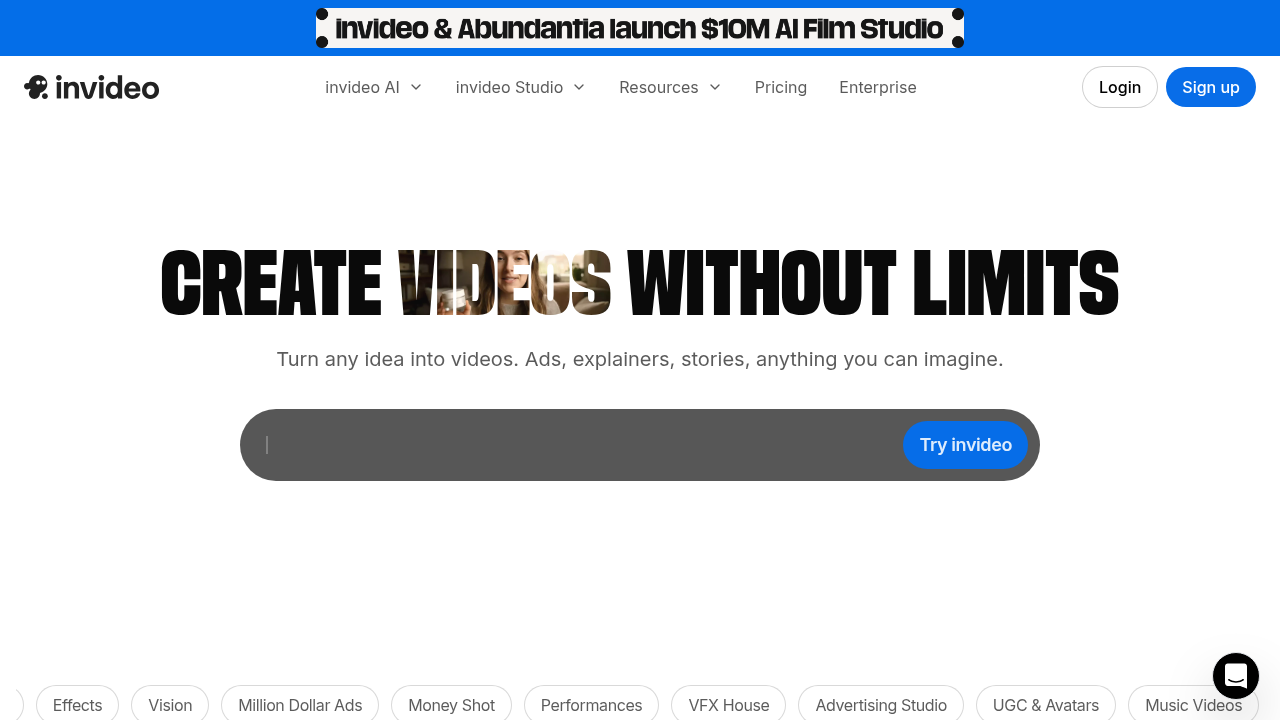
Pictory vs InVideo
Both convert text to video. InVideo has more templates and slightly better customization. Pictory is faster and the AI scene matching is better. Similar pricing.
Choose Pictory: Better AI automation, faster workflow Choose InVideo: More templates, more manual control
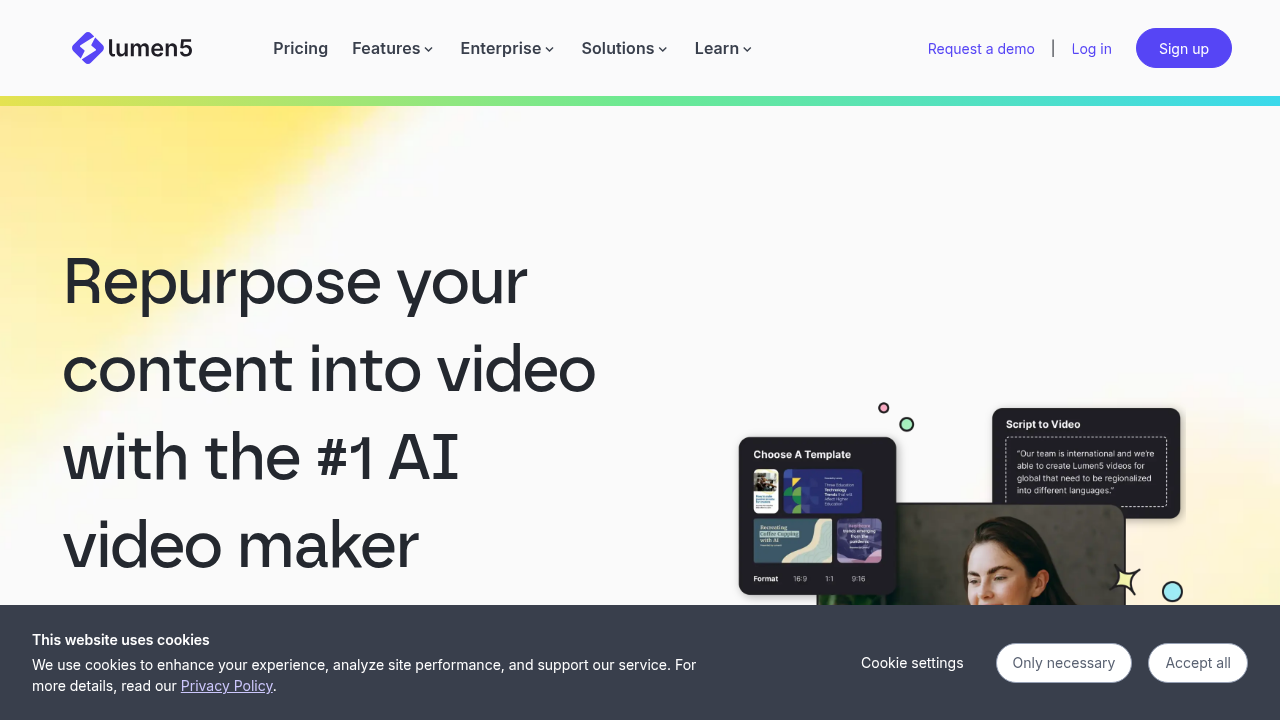
Pictory vs Lumen5
Lumen5 also does article-to-video conversion. Pictory has better AI voice options and more professional output. Lumen5 has a longer track record and slightly better social media optimization.
Choose Pictory: Better voice options, more professional output Choose Lumen5: Social media specific content, established tool
Pictory vs Synthesia
Synthesia creates videos with AI avatars presenting to camera — a completely different approach. Much more professional looking but also more expensive ($22-$67/month).
Choose Pictory: Volume content, stock footage style Choose Synthesia: Presenter-style videos, training content, higher production value
Real YouTube Use Case
Channel type: Personal finance education Content: “5 Budgeting Methods Explained” (from blog post) Workflow:
- Paste blog post URL (2 minutes)
- Review and adjust scene selections (5 minutes)
- Choose AI voice and record any custom narration (3 minutes)
- Add brand intro and outro (2 minutes)
- Export (3 minutes) — total: 15 minutes
Result: A 4-minute YouTube video with professional captions, relevant stock footage, and consistent branding. Not Hollywood production, but perfectly appropriate for an educational finance channel.
Pros and Cons
Pros
✅ Fastest text-to-video pipeline available ✅ Excellent stock footage library (3M+ clips) ✅ Best-in-class auto captions ✅ Good AI voices — no recording required ✅ Article repurposing is genuinely useful ✅ Highlight extraction saves hours of editing ✅ Reasonable pricing for volume content
Cons
❌ Output looks like stock footage videos (because it is) ❌ Not suitable for personality-driven channels ❌ AI scene matching is good but not perfect — requires review ❌ Limited animation or motion graphics ❌ No built-in YouTube publishing (manual upload)
Is Pictory Worth It?
Yes, if you:
- Run an educational or informational YouTube channel
- Want to repurpose blog content into video
- Need captions on existing videos
- Want to create social media clips from longer content
- Produce high volume content and cannot film everything
No, if you:
- Run a personal brand channel where your face is the product
- Need high production quality for a competitive niche
- Have unique content that requires custom footage
Bottom Line
Pictory AI delivers on its core promise: turn text into watchable videos quickly. For content creators in informational niches — finance, health, business, education, technology — it is a legitimate tool for scaling YouTube content production.
At $19-39/month, it pays for itself the first time you save 3+ hours of video editing. The auto-captions feature alone is worth it for active YouTubers.
Rating: 4.1/5