Notion AI and ClickUp AI both embed artificial intelligence into your productivity workflow — but they start from very different places. Notion is built around knowledge management and documents. ClickUp is built around tasks, projects, and team collaboration. The AI features reflect these different foundations.
Quick Verdict
| Factor | Notion AI | ClickUp AI |
|---|---|---|
| Base price | Free (AI: +$10/mo) | Free (AI: +$5/mo) |
| Best for | Knowledge base, docs, wikis | Project management, tasks |
| AI writing | Excellent | Good |
| Task management | Basic | Advanced |
| Database features | Powerful | Very powerful |
| Learning curve | Medium | High |
Notion AI: Knowledge Management with AI
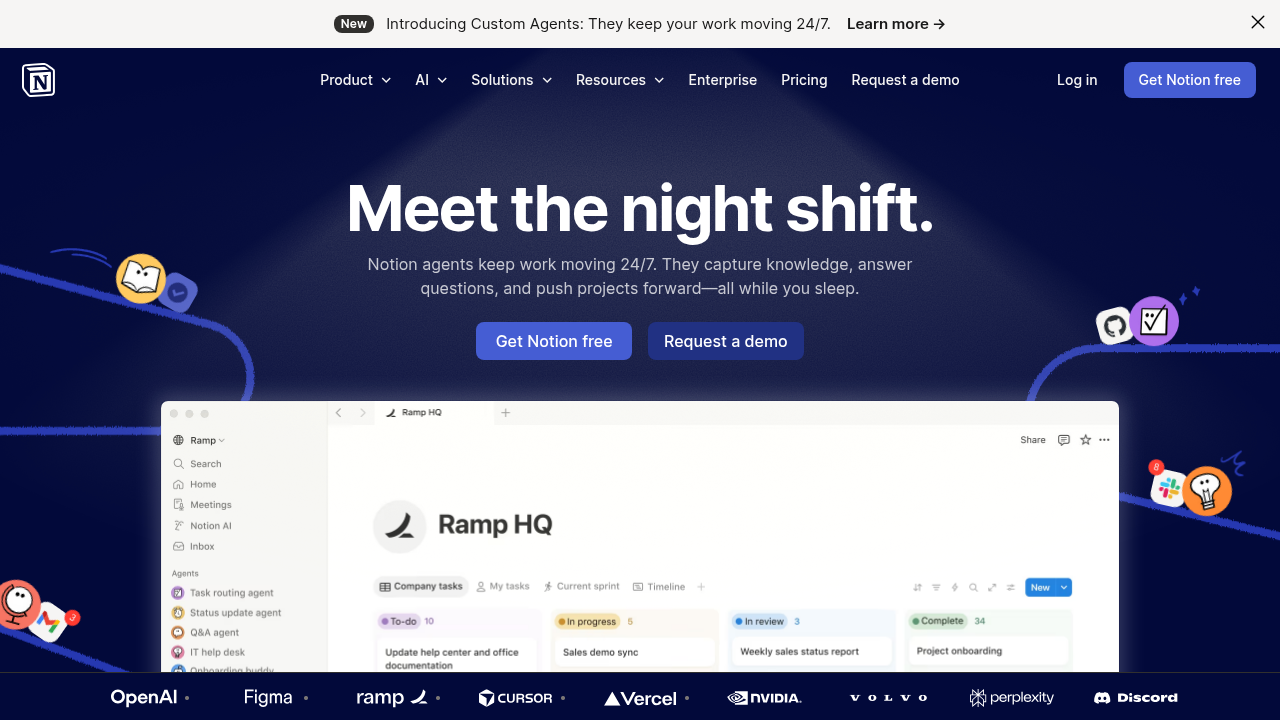
Notion is where teams store knowledge — meeting notes, wikis, project docs, and processes. Notion AI adds a layer of intelligence on top of that knowledge base.
What Notion AI Does Well
AI writing and editing: Notion AI can draft, summarize, improve, and translate content directly in your documents. The quality is excellent — it understands context from your existing content.
Q&A over your workspace: Ask questions and Notion AI searches your entire workspace to answer. “What was decided in the Q3 planning meeting?” and it finds the answer.
Auto-fill databases: Generate content to fill database properties automatically. Create project templates that AI populates with relevant content.
Meeting summaries: Paste a transcript, get a structured summary with action items.
Content generation: Draft blog posts, emails, project briefs directly in Notion pages.
Notion AI Limitations
- Task management is basic compared to dedicated PM tools
- No native time tracking
- Automation is limited without integrations
- AI features require an add-on subscription
Notion AI Pricing
- Free: Notion workspace (limited blocks)
- Plus: $10/month (unlimited blocks)
- AI add-on: +$10/user/month (works on any plan)
- Business + AI: $20/month total per user
ClickUp AI: Project Management with AI
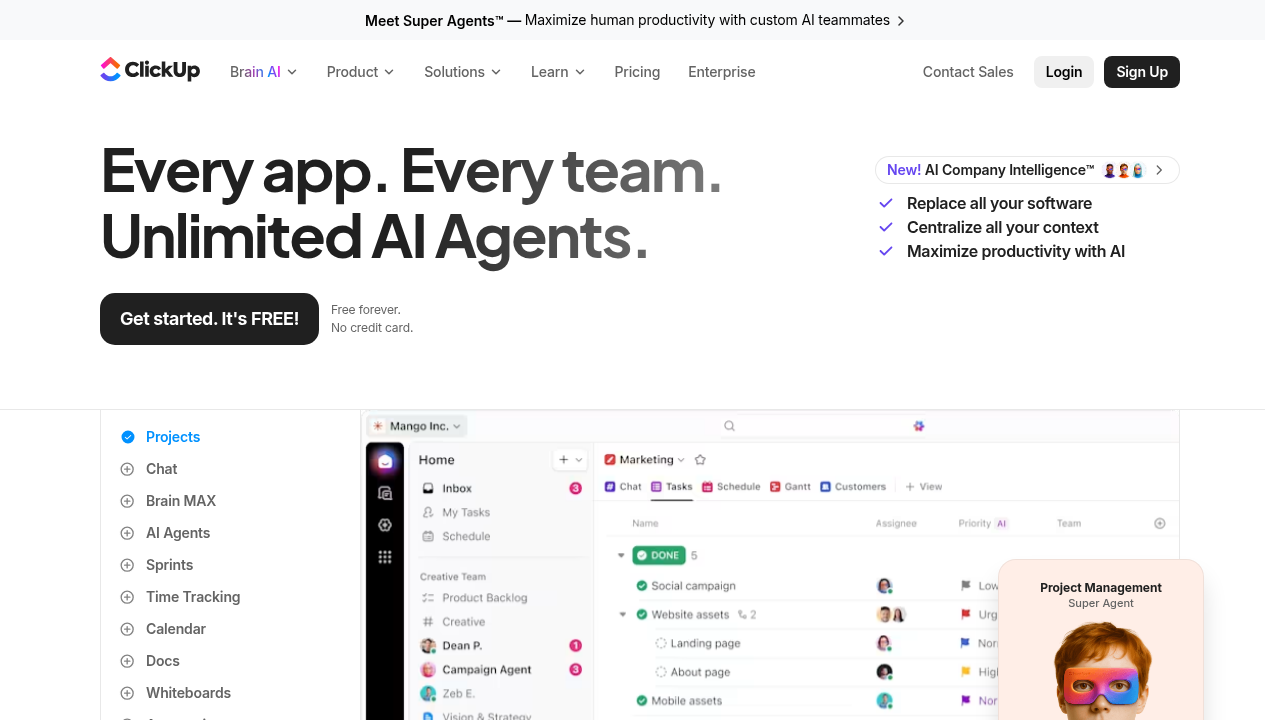
ClickUp is a full project management platform — tasks, sprints, goals, time tracking, docs, and more. ClickUp AI adds intelligence to help you work faster within that system.
What ClickUp AI Does Well
Task management AI: Generate subtasks, create project plans from descriptions, auto-fill task details. Describe a project and ClickUp AI breaks it into tasks.
AI writing in Docs: ClickUp has a Docs feature for documentation, and AI can write, edit, and summarize here too.
Standup summaries: AI reads your tasks and generates standup reports automatically.
Action items from notes: Paste meeting notes, AI extracts tasks and creates them in your ClickUp workspace.
AI-powered search: Find anything across your workspace using natural language.
Automation suggestions: AI recommends automations based on how you work.
ClickUp AI Limitations
- More complex to set up and maintain than Notion
- AI writing quality is slightly behind Notion AI
- Can feel overwhelming for simple use cases
- Interface is dense with features
ClickUp AI Pricing
- Free: Basic features
- Unlimited: $7/user/month
- Business: $12/user/month
- AI add-on: +$5/user/month on any paid plan
Head-to-Head Comparison
For Writing and Documentation
Notion AI wins clearly. Its editor is more focused on long-form content, the AI writing quality is excellent, and the knowledge base structure means AI has more context to work with.
Winner: Notion AI
For Project and Task Management
ClickUp wins. It has sprints, goals, time tracking, Gantt charts, and deeply integrated task AI. Notion is not a project management tool.
Winner: ClickUp AI
For Team Collaboration
Both are strong. Notion is better for async knowledge sharing. ClickUp is better for managing who does what by when.
Winner: Tie (depends on use case)
For AI Value
ClickUp AI is cheaper (+$5/user vs +$10/user for Notion AI). ClickUp also includes the base productivity platform, while Notion is primarily a doc tool.
Winner: ClickUp AI (price per value)
For Ease of Use
Notion is simpler to learn for most users. ClickUp has a steeper learning curve due to feature depth.
Winner: Notion AI
Common Use Case Scenarios
You are a solo creator or blogger: Notion AI. Use it for content planning, drafting, and knowledge management. The AI writing is excellent and the price is reasonable.
You run a small team on projects: ClickUp AI. The task management features are far superior, and AI helps automate the PM overhead.
You need a company wiki: Notion AI. This is what Notion was built for — and the AI Q&A over your knowledge base is genuinely magical.
You need sprint planning and roadmaps: ClickUp AI. Notion cannot match ClickUp’s project management depth.
You want to write better content: Notion AI. The editor and AI writing tools are built for this.
The Hybrid Approach
Many teams use both: Notion for documentation and knowledge management, ClickUp for task and project management. They integrate with each other, and this combination covers everything. It is more expensive, but eliminates the compromises of using one tool for everything.
Bottom Line
Choose Notion AI if your primary need is knowledge management, documentation, and AI-assisted writing. It is the best AI-powered wiki and content tool available.
Choose ClickUp AI if your primary need is project management, task tracking, and team coordination with AI assistance. The project management features are in a different league.
If you are building a content business or personal knowledge base, Notion AI is the winner. If you are managing complex projects and teams, ClickUp AI delivers more value despite the learning curve.