Grammarly and QuillBot are both writing assistants, but they solve different problems. Grammarly catches mistakes and improves your writing. QuillBot rewrites and paraphrases your writing. Most people need one more than the other — and some need both.
Here’s an honest comparison after extensive testing.
Quick Verdict
| Grammarly | QuillBot | |
|---|---|---|
| Best for | Error correction, clarity | Paraphrasing, summarizing |
| Price | Free – $30/mo | Free – $10/mo |
| Free plan | ✅ (limited) | ✅ (decent) |
| Grammar checking | ⭐⭐⭐⭐⭐ | ⭐⭐⭐ |
| Paraphrasing | ⭐⭐⭐ | ⭐⭐⭐⭐⭐ |
| Plagiarism check | ✅ (Premium) | ✅ (Premium) |
| Overall | ⭐⭐⭐⭐⭐ | ⭐⭐⭐⭐ |
Grammarly: The Gold Standard for Writing Improvement
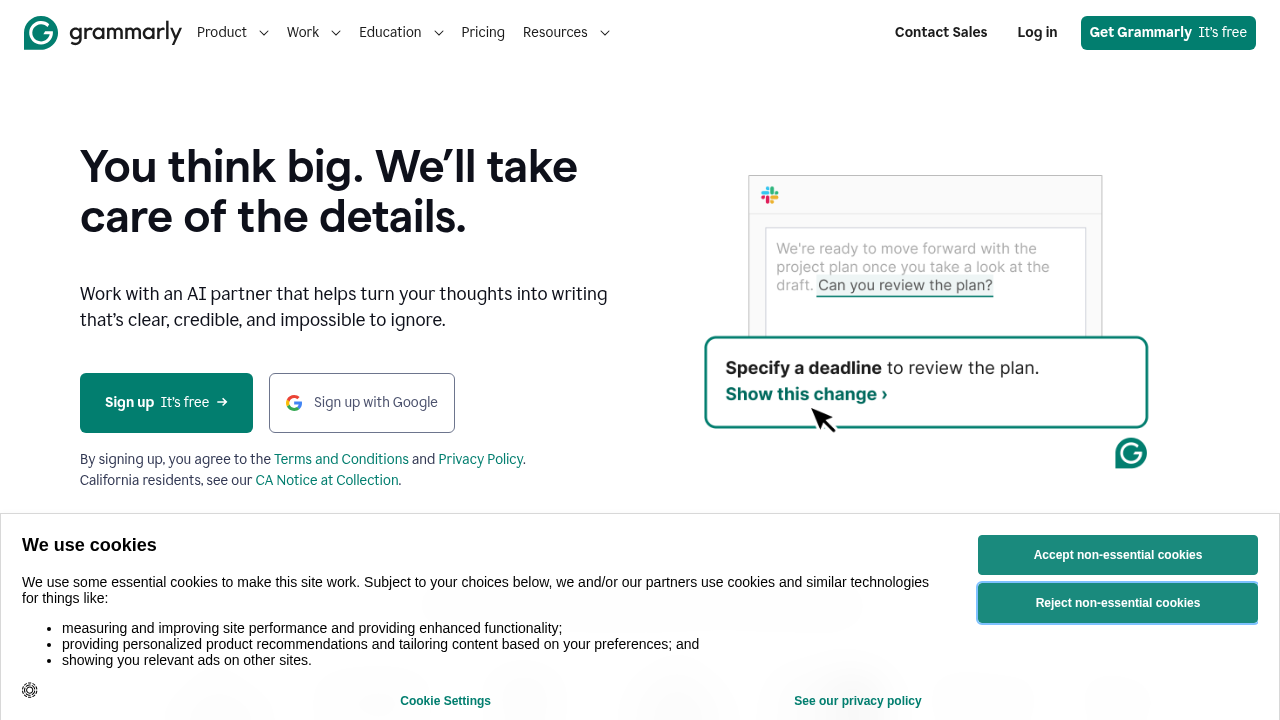
Grammarly is the most widely used writing assistant in the world — and for good reason. It goes far beyond spell-check, analyzing tone, clarity, engagement, and delivery across everything you write.
What Grammarly Does Best
- Grammar and spelling: Catches errors that Word and Google Docs miss
- Tone detection: Shows how your writing will be received (confident, formal, diplomatic)
- Clarity suggestions: Flags wordy sentences and unclear phrasing
- Grammarly GO (AI writing): Rewrites, generates, and refines with context
- Browser extension: Works everywhere — Gmail, Google Docs, LinkedIn, Slack
- Plagiarism detection: Checks against 16 billion web pages (Premium)
Grammarly Pricing
| Plan | Price | Features |
|---|---|---|
| Free | $0 | Grammar, spelling, basic suggestions |
| Premium | $30/mo ($12/mo annual) | Full suggestions, tone, clarity, plagiarism |
| Business | $15/mo/seat | Team features, style guide, analytics |
Grammarly Free vs Premium
The free plan is genuinely useful for basic error correction. But the clarity and engagement suggestions in Premium are where Grammarly really shines — they transform decent writing into polished writing.
Grammarly Pros & Cons
✅ Best grammar and spelling correction available ✅ Works everywhere via browser extension ✅ Tone detection is uniquely valuable ✅ Grammarly GO for AI writing assistance ✅ Strong plagiarism checker
❌ Premium is expensive at $30/mo ❌ Paraphrasing not its strong suit ❌ Can be overly prescriptive with suggestions ❌ Doesn’t improve logic or structure (only style)
QuillBot: The Paraphrasing Powerhouse
QuillBot started as a paraphrasing tool and expanded from there. It’s the go-to for anyone who needs to rewrite content — students avoiding plagiarism, writers escaping creative ruts, or professionals adapting existing content for new audiences.
What QuillBot Does Best
- Paraphrasing modes: Standard, Fluency, Formal, Academic, Simple, Creative, Expand, Shorten — 8 modes to control rewriting style
- Summarizer: Condense long documents into key points
- Grammar checker: Solid basic correction (not Grammarly-level, but good)
- Translation: 30+ languages
- AI detector: Check if content reads as AI-generated
- Citation generator: Academic referencing tool
QuillBot Pricing
| Plan | Price | Features |
|---|---|---|
| Free | $0 | 125 words/paraphrase, Standard + Fluency modes |
| Premium | $10/mo ($4.17/mo annual) | Unlimited words, all 8 modes, advanced grammar |
QuillBot Free vs Premium
QuillBot’s free plan is more useful than Grammarly’s. 125 words per paraphrase covers typical paragraphs, and two modes are enough for basic use. Premium unlocks the academic and creative modes that differentiate QuillBot.
QuillBot Pros & Cons
✅ Best paraphrasing tool available ✅ Multiple modes give precise control over rewriting style ✅ Excellent summarizer ✅ Much cheaper than Grammarly Premium ✅ Good AI detector built in
❌ Grammar correction weaker than Grammarly ❌ Not a replacement for genuine writing improvement ❌ Free plan limited to 125 words at a time ❌ No tone detection or clarity analysis
Head-to-Head Comparison
Grammar & Spelling Correction
Grammarly wins, decisively. It catches more errors, explains them better, and teaches you to write better over time. QuillBot’s grammar checker is adequate but not exceptional.
Paraphrasing & Rewriting
QuillBot wins, decisively. This is QuillBot’s core competency. Its 8 modes give you precise control — from casual rewrites to academic rephrasings. Grammarly’s rewriting features are more general.
Summarization
QuillBot wins. It has a dedicated summarizer that works well on long documents. Grammarly doesn’t have an equivalent.
Plagiarism Checking
Tie. Both Premium plans include plagiarism detection. Grammarly checks 16B+ web pages; QuillBot has a strong academic database. Both are solid for their target users.
Price
QuillBot wins. At $4.17/mo (annual) vs $12/mo for Grammarly Premium (annual), QuillBot is 65% cheaper. For what QuillBot does, that’s excellent value.
Integration
Grammarly wins. Its browser extension integrates with essentially everything. QuillBot works well in its web app but has more limited browser integration.
Use Cases: Which Tool to Choose
Choose Grammarly if:
- You want to improve your actual writing quality
- You send important professional emails, reports, or documents
- You need tone awareness across multiple communication contexts
- You write content that represents your brand
Choose QuillBot if:
- You need to paraphrase content regularly (academic or professional)
- You want to summarize long documents quickly
- You adapt content across different audiences or styles
- Budget is a consideration ($4/mo vs $12/mo)
Use both if:
- You write content professionally and also paraphrase/summarize
- You’re a student who needs academic writing help
- You’re an agency or freelancer serving multiple clients
Can You Use Both Together?
Yes — and many professionals do. The workflow looks like this:
- Draft your content (or have AI draft it)
- Grammarly to catch errors and improve clarity
- QuillBot to adjust tone or simplify for different audiences
- Final read for authenticity
The annual plans make this affordable: QuillBot ($50/yr) + Grammarly ($144/yr) = ~$194/yr total, or about $16/mo.
Bottom Line
Grammarly is the better tool for most people — especially professionals where writing quality directly affects how you’re perceived. The grammar correction, tone detection, and clarity improvements are unmatched.
QuillBot is the better tool for paraphrasing — if you regularly need to rewrite, summarize, or adapt content, it’s the only tool purpose-built for this at an affordable price.
Our recommendation: Start with Grammarly’s free plan for daily writing. Add QuillBot Premium if you find yourself frequently needing to rephrase or summarize content.
Both tools offer free plans. Test them on your actual writing before paying for anything.